Recordings
One MP4 of the top quality, a few minutes after the stream ends. Download it, keep it as long as you like, or delete it.
Unless you create a stream with "record": false, JustOnAir keeps what is streamed and turns it into one MP4 of the top quality after the stream ends. Other sizes are not kept; make them from the MP4 if you need them.
After the end, the live video is gone: playback_url stops working. The MP4 is what stays. Download it, or turn on replay to have the hosted player play it to viewers.
Replay
Off by default. Turn it on when you create the stream, or at any time later, also after the end:
curl -X PATCH https://api.justonair.com/v1/streams/str_e1bzk3dxw9z9allei6n7 \
  -H "Authorization: Bearer $JOA_API_KEY" -H "Content-Type: application/json" \
-d '{"replay": true}'- Once the recording is
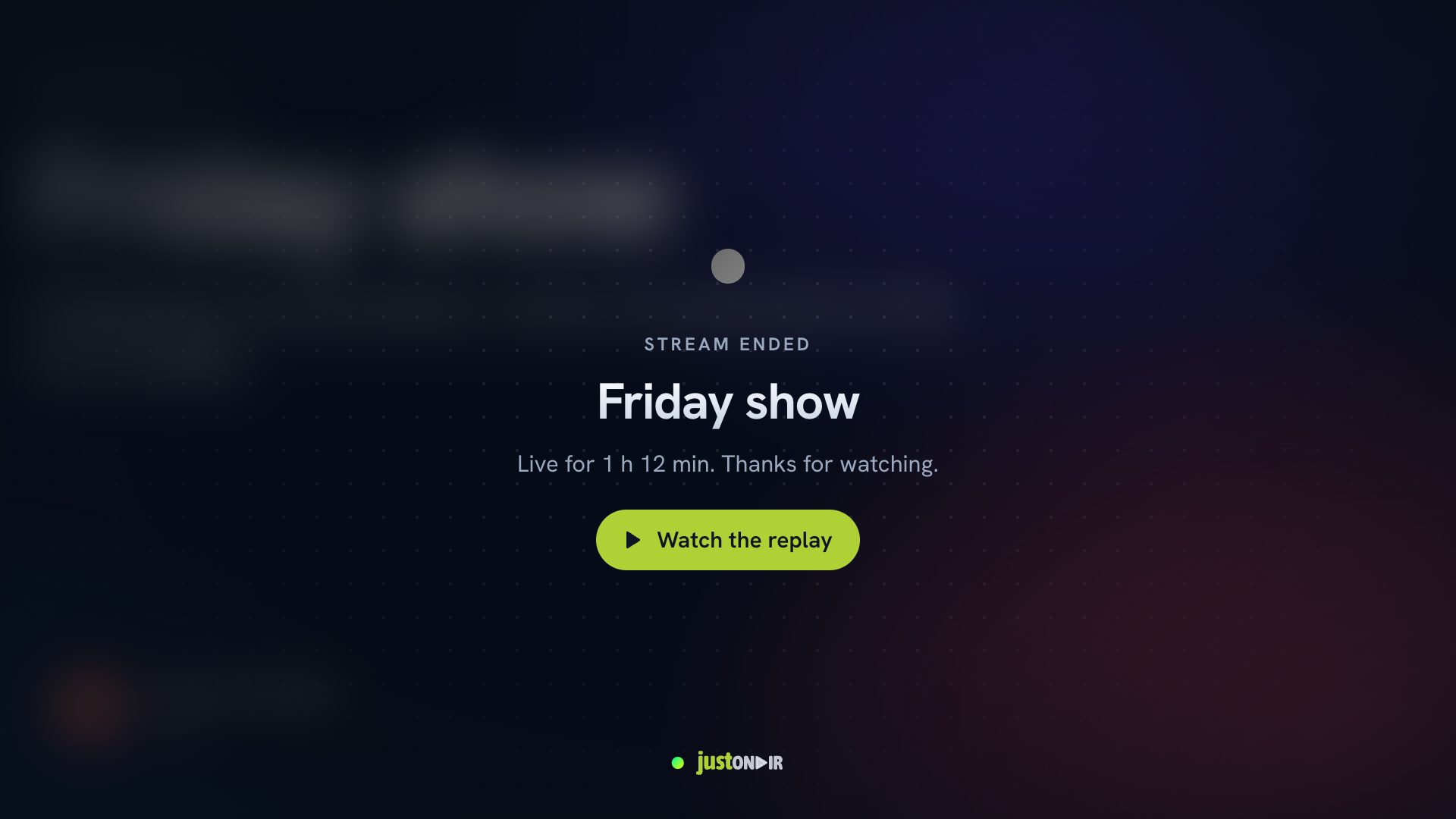
ready(a few minutes after the end), the stream's hosted player shows Watch the replay on its end screen, and plays the MP4 with a normal seek bar. - It lasts as long as the recording: when the recording is deleted (by you, by retention, or at zero credit), the replay stops.
- Replay views are billed as delivery, like the live stream ($0.03 per GB).
- Replay viewing is counted apart from the live audience:
viewers.replay_watch_minuteson the stream, minutes per day inreplay_daysonGET /v1/streams/{id}/viewers, andreplay_secondsper signed-in viewer in attendance.replay_watch_minutesandreplay_daysare exact from the CDN logs (MP4 bytes served over the recording's bytes per second, so a player of your own counts too) for the hours already read (viewers.cdn_counted_until), and the hosted player's count after that.replay_secondsper viewer comes from the hosted player. Turning the replay off or deleting the recording keeps what was counted. - A watch budget can cover the replay:
player.watch_minutes_limit_includes_replay: truecounts replay viewing againstwatch_minutes_limitand closes the replay when it is used up. - Your own player:
GET /v1/embed/{id}hasreplay.url, a signed MP4 URL that plays in any<video>element, andreplay.duration_seconds.replayisnulluntil the recording is ready;poll_after_secondssays when to ask again. - Channels:
defaults.replayturns it on for every stream of the channel. Between streams, the channel's page plays the newest one, and switches to the next stream when it starts. replayneedsrecord.

Status
recording on the stream tells you where it is:
recording.status | Meaning |
|---|---|
recording | The stream is live and being kept. |
processing | The stream has ended and the MP4 is being made. Usually a few minutes. |
ready | Download it. bytes, duration_seconds and delete_at are set. |
not_recorded | Created with record: false. |
none | The stream never went live. |
deleting, deleted | You asked for it to be deleted, or it reached delete_at. |
failed | The MP4 could not be made after three tries. What was streamed is kept, so it can be made again. |
Download
curl https://api.justonair.com/v1/streams/str_e1bzk3dxw9z9allei6n7/recording/download \
  -H "Authorization: Bearer $JOA_API_KEY" -H "Content-Type: application/json" \
-d '{"expires_in": 3600}'{
"object": "recording_download",
"stream_id": "str_e1bzk3dxw9z9allei6n7",
"url": "https://live.joacdn.com/bcdn_token=.../_rec/str_e1bzk3dxw9z9allei6n7/recording.mp4?download=1",
"bytes": 231486012,
"expires_at": "2026-09-29T12:21:04.000Z"
}The link works for expires_in seconds (60 to 7 days, default 1 hour) and supports range requests, so download tools can resume. Opened in a browser, it saves the file (recording.mp4) instead of playing it; for playback use the replay URL. Downloading counts as delivery at the normal per-GB rate.
To feed a video library, wait for the recording.ready webhook (or poll the stream until recording.status is ready), then fetch the link and copy the file.
How long it is kept
30 days by default, then deleted. Change it per stream when you create it:
recording_retention_days | Kept |
|---|---|
| omitted | Your account default (30 days) |
1 to 3650 | That many days after it is ready |
null | Until you delete it |
recording.delete_at always shows the actual date, and the dashboard marks a recording in its last 3 days.
Delete
curl -X DELETE https://api.justonair.com/v1/streams/str_e1bzk3dxw9z9allei6n7/recording \
  -H "Authorization: Bearer $JOA_API_KEY"
Deletes the MP4 now, or as soon as it is made if it is still processing.
Price
$0.03 per GB per month, counted by the hour. A one-hour 720p recording is about 1.1 GB: $0.034 a month.