Channels
A stable address and a persistent stream key. Save the key in OBS once; every time it connects, a new stream starts.
A stream goes live once and ends: you create it, the publisher uses its one-shot key, and for the next show you create a new one. A channel is for publishers who go live again and again, such as a weekly class, a church service or a studio that is on every evening. They save one server and key in their encoder and never touch them again, and their audience keeps one link.
Each time the channel's key connects, JustOnAir starts a new stream for it: an ordinary stream, with its own id, recording, chat, viewers and cost, and channel_id set to the channel. Everything you know about streams applies to it.
Create a channel
curl https://api.justonair.com/v1/channels \
  -H "Authorization: Bearer $JOA_API_KEY" \
  -H "Content-Type: application/json" \
  -d '{
    "name": "Sunday service",
    "defaults": { "max_resolution": 1080, "recording_retention_days": 90, "chat": { "enabled": true, "reactions": true } },
    "scheduled_at": "2026-10-11T08:00:00Z"
}'{
"id": "chn_7q2m4b8c1d5e6f3k9x0a",
"object": "channel",
"status": "active",
"rtmp_url": "rtmp://rtmp.justonair.com:1935/abr-basic",
"stream_key": "chn_7q2m4b8c1d5e6f3k9x0a?key=…",
"whip_url": "https://rtmp.justonair.com:3334/abr-basic/chn_7q2m4b8c1d5e6f3k9x0a?direction=whip&key=…",
"embed_url": "https://play.joacdn.com/chn_7q2m4b8c1d5e6f3k9x0a",
"live_stream_id": null,
…
}- In OBS: Server is
rtmp_url, Stream Key isstream_key. Both stay the same for the life of the channel. stream_keyandwhip_urlare shown only here and when you replace the key. Store them.profile(abr_basicby default, orpassthrough) is fixed for the channel, because it is part ofrtmp_url.
Creating a channel reserves nothing and costs nothing. Capacity is taken when the key connects.
Defaults
defaults are the settings each of the channel's streams starts with: the fields of POST /v1/streams except name (the stream takes the channel's) and profile.
| Field | When not set |
|---|---|
max_resolution | 720 |
record, recording_retention_days | on; the account's retention (30 days) |
metadata | none. Copied onto each stream, so your webhooks can tell your channels apart |
player, thumbnail | as for any stream |
chat | off. When on, moderation_group defaults to the channel id, so a viewer banned in one stream stays banned in the next |
Change them with PATCH /v1/channels/{id}: a field you send replaces the stored one, null removes it, a field you leave out stays. Changes apply from the next stream; to change the one on air, use PATCH /v1/streams/{id} on live_stream_id.
When the key connects
- Nothing on air: a new stream starts, with every limit a stream create has: streams live at once, streams per hour, monthly ingest hours, resolution, credit. If one is reached, the publisher is refused and its encoder keeps retrying.
- The publisher dropped and comes back within 60 seconds: the same stream continues, as described in When the connection drops.
- A stream reaches the longest a stream may run (4 hours for new accounts, 24 for trusted): it ends, and the encoder's automatic reconnect starts the next one.
- A second encoder with the same key while one is on air is refused.
GET /v1/channels/{id} shows the stream on air as live_stream_id. All of a channel's streams: GET /v1/streams?channel_id=chn_…. Webhooks are the usual stream events, with channel_id in data.
The channel's player page
embed_url is one link for all of the channel's streams:
- On air: the stream, with its chat.
- Nothing on air: a waiting page with the channel's name and, if you set
scheduled_at, when the next stream is planned. It starts playing by itself when the key connects. - When one stream ends and the next starts, open pages switch to it by themselves.
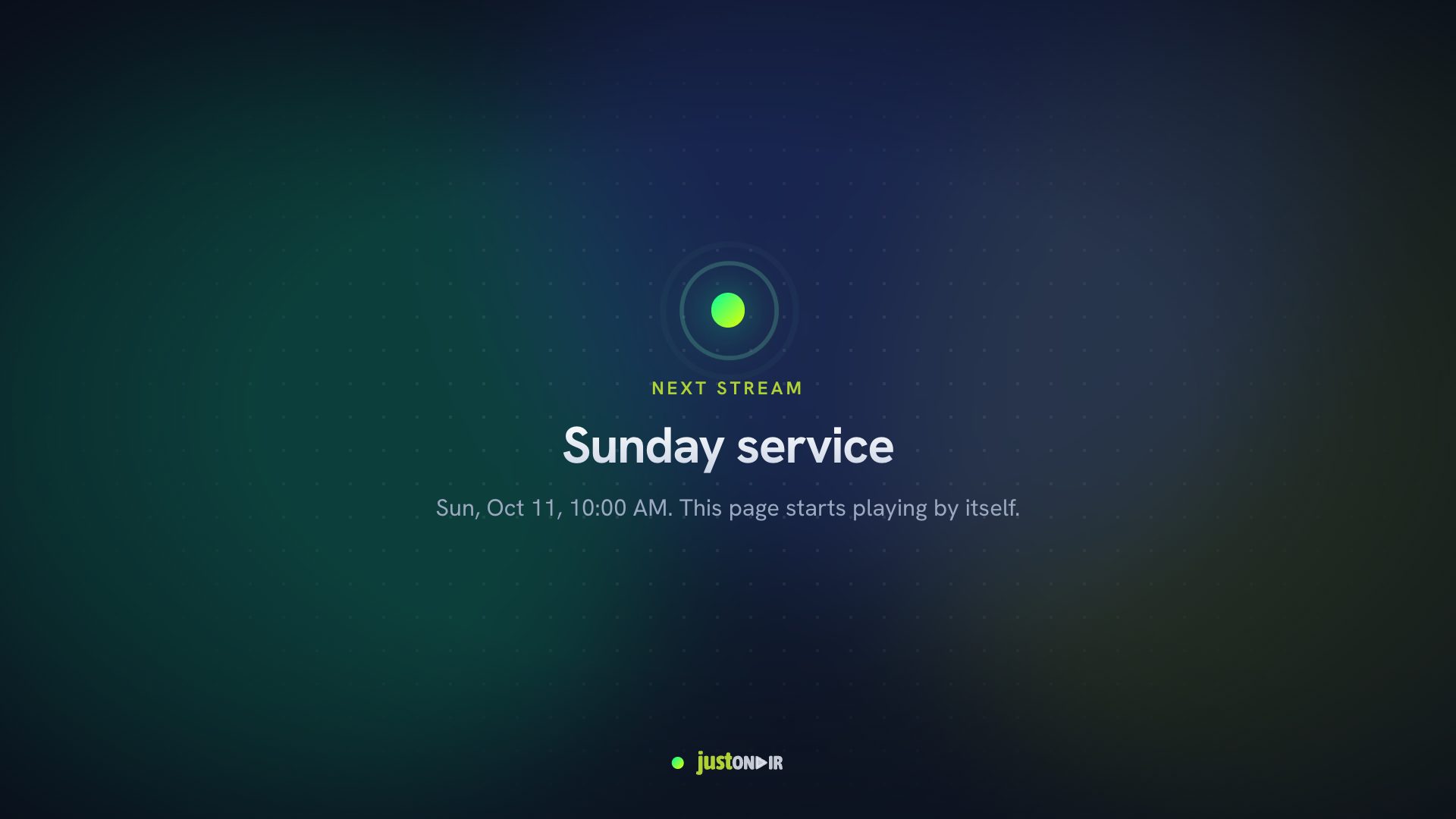
Put it in an iframe like a stream's hosted player. defaults.player.allowed_domains decides which sites may frame it. Your own player can read the same status at GET /v1/embed/{channel_id}: id is the stream on air, or the channel id while nothing is, and channel.scheduled_at is the plan.
The hosted chat page (/{stream_id}/chat) belongs to one stream.
Disable, replace the key, delete
| What happens | |
|---|---|
PATCH with "status": "disabled" | The key is refused and the player page says unavailable. A stream on air keeps running. "active" turns it back on. |
POST /v1/channels/{id}/stream-key | A new key; the old one stops working for new connections at once. A stream on air keeps running, but if it drops, its encoder needs the new key. |
DELETE /v1/channels/{id} | The key stops working and a stream on air ends. The channel's past streams and their recordings stay. |
Limits
New accounts can have 3 channels, trusted accounts 100 (limit_channels). See Limits.